
Secure Your IPTV Account: Password & Sharing Protection 2026
September 2, 2026 · 9 min read
As IPTV adoption hits mainstream — more than 380 million households worldwide now stream through some form of IPTV service — account security has quietly become one of the most overlooked parts of the experience. Most guides focus on channel counts or picture quality. Almost none walk you through what happens after checkout: how to keep the login you just created from being quietly reused by someone else.
That gap matters. A shared password, a login page reused across three sites, or a subscription passed around a group chat is enough to hand your account to a stranger. Providers have responded by rolling out two-factor authentication, passkeys, and IP filtering, but most of that only works if you actually turn it on and understand what it's protecting against.
This guide is built specifically around that problem: credential theft risk, concurrent-stream limits, 2FA setup, and safe household sharing, treated as one connected system rather than scattered tips. If you're setting up a new account this quarter, read this before you share your login with anyone.
Why IPTV Account Security Matters: Real Risks in 2026
IPTV accounts are attractive targets for a simple reason: unlike a bank login, people are careless with them. Subscriptions get shared in group chats, reused across devices with no oversight, and rarely protected with anything beyond a basic password. That casualness is exactly what account thieves rely on.
The most common risk isn't a sophisticated hack — it's credential reuse. If you used the same password on your IPTV account as on a forum or shopping site that later got breached, that password is likely floating in a leaked-credentials database right now. Automated tools test those leaked combinations against streaming logins at scale, because a working IPTV login has resale value.
The second risk is informal sharing that drifts out of control. A password given to one family member ends up on a friend's device, then a friend of a friend's. Nobody did anything malicious, but the account now has more concurrent viewers than intended, streams start buffering or getting kicked, and nobody can tell who's actually using the login anymore.
Neither risk requires nation-state hacking skills to prevent. It requires the basics covered in this guide, applied consistently.
Not sure if your current login setup is secure enough?
Set Up Two-Factor Authentication (2FA) on Your Diablo Account
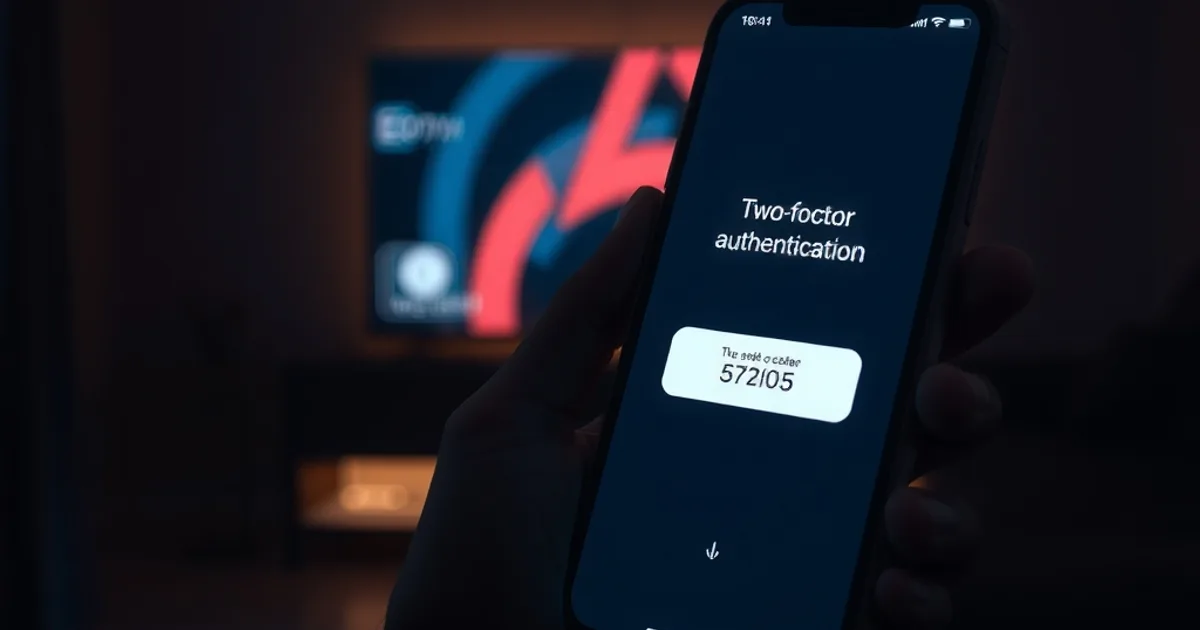
Two-factor authentication adds a second proof of identity beyond your password — typically a one-time code sent to your email, phone, or generated by an authenticator app. Even if someone obtains your password, they can't log in without that second factor.
The practical setup pattern is the same across most services: go to your account or security settings, locate the two-factor or login-verification option, and link either your email, phone number, or an authenticator app. An authenticator app (rather than SMS) is generally the stronger choice, since SMS codes can be intercepted through SIM-swap attacks in rare cases.
Once enabled, keep a backup method on file — a secondary email or a set of recovery codes — so you're not locked out if you lose your phone. Store those recovery codes somewhere offline, not in a screenshot on the same device you use to stream.
Create a Strong Master Password + Change It Regularly
Your password is still the first line of defense, and length matters more than complexity tricks. A long passphrase built from unrelated words is both easier to remember and harder to crack than a short string of substituted symbols. Avoid anything tied to your name, birthday, or the service itself.
Never reuse a password from another account. This is the single most common cause of unauthorized IPTV logins — not a flaw in the provider's system, but a password recycled from a site that was breached months earlier. A password manager removes the excuse; it generates and stores a unique password per account so you never have to memorize dozens.
Rotate your password periodically, and change it immediately if you notice unfamiliar activity, a device you don't recognize in your session list, or if you shared the login with someone who no longer needs access. Treat a password change as routine maintenance, not an emergency-only step.
Manage Concurrent Streams: Who Can Watch, Where, and When
Every IPTV plan has a limit on how many devices can stream at once under one login. That limit isn't arbitrary — it's the mechanism that keeps quality stable for everyone using the account and prevents a single subscription from silently turning into a shared free-for-all.
Before sharing your login with household members, agree on a simple rule: who watches on which device, and roughly when. This avoids the frustrating moment where a stream cuts out because someone else logged in unexpectedly on a device nobody remembered was still connected.
For a full breakdown of exactly how stream limits work and how to structure sharing across a household without hitting them, see our dedicated guide: /blog/diablo-iptv-concurrent-streams-household-sharing. If your household regularly wants to watch different channels simultaneously — especially during major tournaments — pair that with our multi-view setup guide: /blog/diablo-iptv-multi-view-world-cup-2026.
Detect Unauthorized Logins: IP Filtering & Session Monitoring
Most modern IPTV control panels keep a session or login history — a list of recent connections, sometimes with rough location or IP information attached. Checking it periodically is the easiest way to catch a compromised account before it becomes a bigger problem.
Warning signs to look for: a login location that doesn't match anywhere you or your household members have been, a device type you don't recognize, or streaming activity at times when your household wasn't watching anything. Any of these justify an immediate password change and a review of your 2FA settings.
Some providers also offer IP filtering or device allow-listing, which restricts logins to a fixed set of known networks or devices. It's a stronger control than a password alone, since it blocks access even from someone who has your correct credentials but is connecting from an unrecognized location.
Safe Family Sharing: Multiple Profiles Without Compromising Security
Sharing an IPTV subscription within a household is normal and, when the plan supports it, entirely legitimate. The security problem isn't sharing itself — it's sharing without structure. Loose sharing (a password copied into a group chat with no tracking of who has it) is what leads to accounts drifting out of your control.
Where your plan supports separate profiles or device slots, use them. Assign one profile per person or per device rather than distributing a single generic login. This makes it immediately obvious which device is responsible for which stream, and makes revoking access for one person simple without resetting the whole account.
When someone no longer needs access — a house guest leaves, a family member gets their own plan — remove their device or profile rather than leaving it active indefinitely. An account with a long tail of stale, forgotten logins is much harder to audit when something does go wrong.
What to Do If Your Account Is Compromised: Recovery Steps
If you suspect your account has been accessed by someone else — unexpected buffering, unfamiliar sessions, or being logged out without reason — act in order rather than panicking. First, change your password immediately from a device you trust. Second, enable or re-verify two-factor authentication so a password alone is no longer enough to get back in.
Third, review your active sessions and log out any device you don't recognize. Most control panels allow a 'sign out of all devices' action, which is worth using even if you're not sure exactly which session was unauthorized — it resets everything at once and forces a fresh login everywhere.
Finally, if the unauthorized access seems tied to a leaked password rather than IPTV-specific weakness, change that password anywhere else you reused it. And if you're unsure whether an issue originates from your account or from a fraudulent service entirely, cross-check against the warning signs in /blog/how-to-spot-fake-iptv-services-scams before assuming your legitimate account is at fault.
Start a subscription built with account protection in mind from day one.
Built-In Security: Encryption, VPN Options & Control Panel Safeguards
Beyond what you configure yourself, the underlying service matters. Streaming traffic that's encrypted in transit is harder to intercept or hijack than an unencrypted connection, and a control panel that logs sessions transparently gives you the visibility needed to actually monitor for unauthorized use.
Some users add a VPN on top of their streaming setup, primarily for network-level privacy on the device they're streaming from. That's a personal networking choice separate from account security itself — it protects your connection, not your login — so it complements but doesn't replace the password, 2FA, and session-monitoring habits covered above.
If you're still comparing plans or haven't finalized your subscription, it's worth reviewing the account setup options together with the broader plan structure in our guide: /blog/diablo-iptv-subscription-guide, so security settings are part of the decision from day one rather than an afterthought.
Frequently asked questions
Is two-factor authentication really necessary for a streaming account?
Yes — it's the single most effective step against credential theft. Even a strong password can leak through a breach on an unrelated site. 2FA means that leaked password alone isn't enough to get in.
How many devices can share one IPTV login at the same time?
This depends on your specific plan's concurrent-stream allowance. See /blog/diablo-iptv-concurrent-streams-household-sharing for a full breakdown of how limits work and how to plan sharing around them.
How do I know if someone else is using my IPTV account?
Check your control panel's session or login history for unfamiliar devices, locations, or times of activity. Frequent buffering or unexpected logouts can also be a sign the concurrent-stream limit is being hit by an unauthorized user.
Should I change my IPTV password even if nothing seems wrong?
Yes, periodically. Regular rotation limits the damage from a password that may have already leaked elsewhere without your knowledge, and it's especially important after sharing access with someone who no longer needs it.
Does a VPN protect my IPTV account from being hacked?
A VPN protects your network connection and privacy, not your login credentials directly. Account protection still depends on a strong unique password and two-factor authentication; a VPN is a useful complement, not a substitute.
Is sharing my IPTV login with family a security risk?
Structured sharing — using separate profiles or device slots and removing access when it's no longer needed — is safe. The risk comes from loose, untracked sharing where a password spreads beyond your household with no oversight.
Read next: the pricing page or the FAQ.